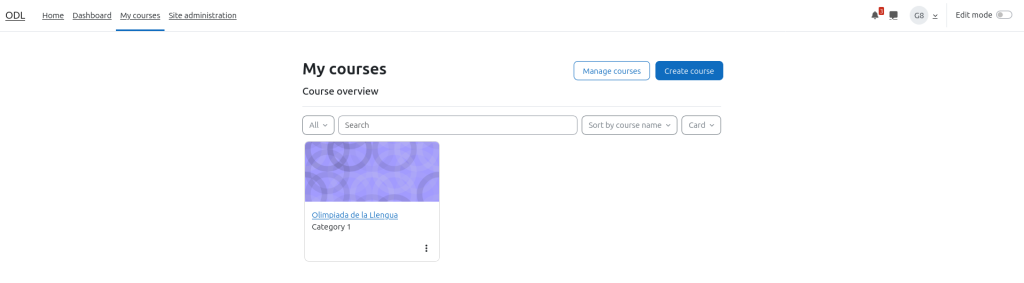
To create a quiz you need to go to my courses section and enter to your course.
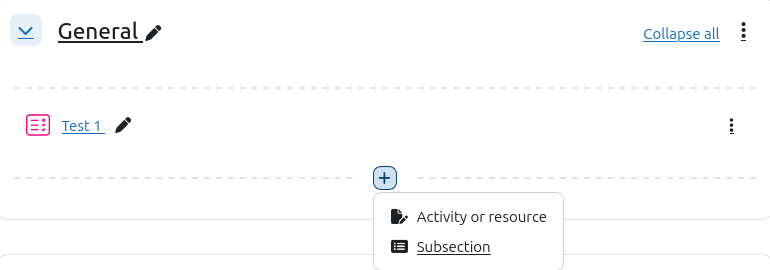
Now you will need to turn on the edit mode, its at the top right side of the screen and clicl the + button under the name of the section and select activity or resource
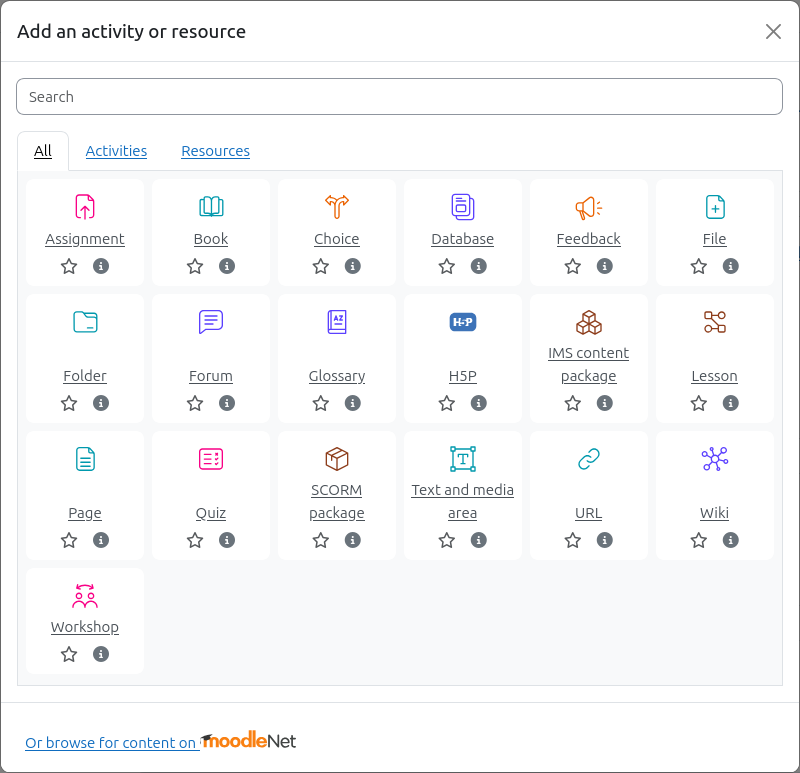
When you click in activity or resource will appears a new window with all of the different types of activities and resources you can create, we will choose Quiz.
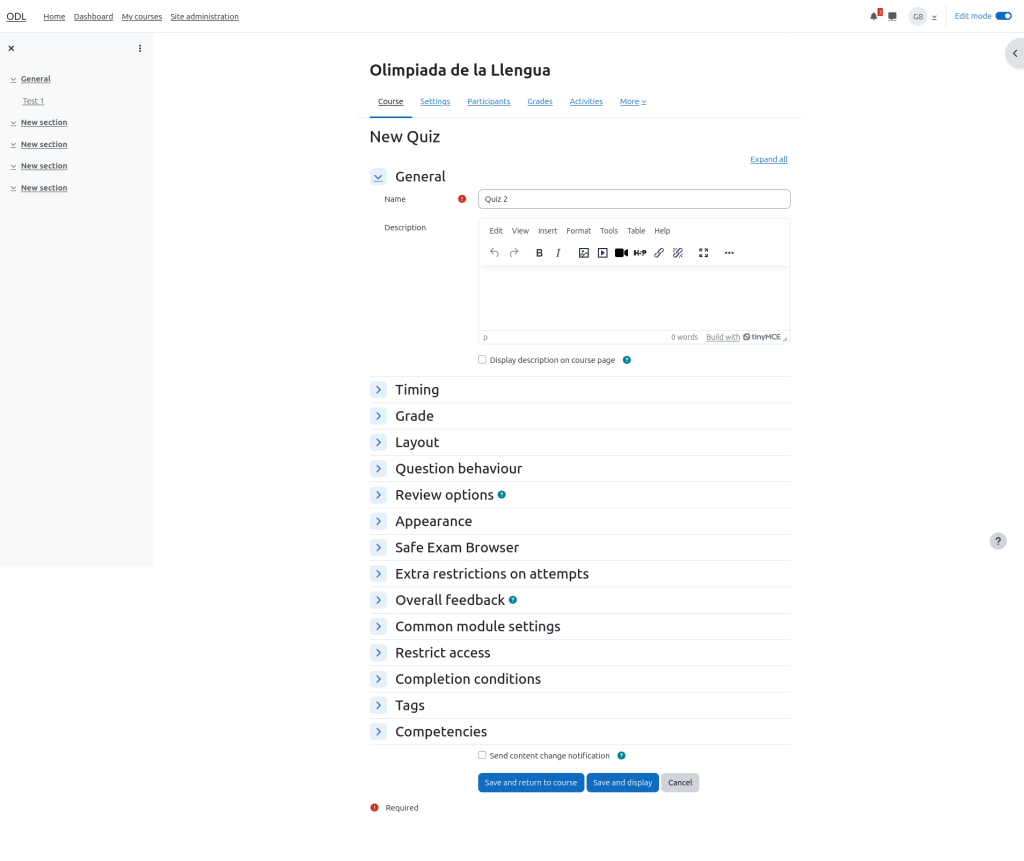
Now you will se a new page where you need to choose the name of the quiz and click on save and display.
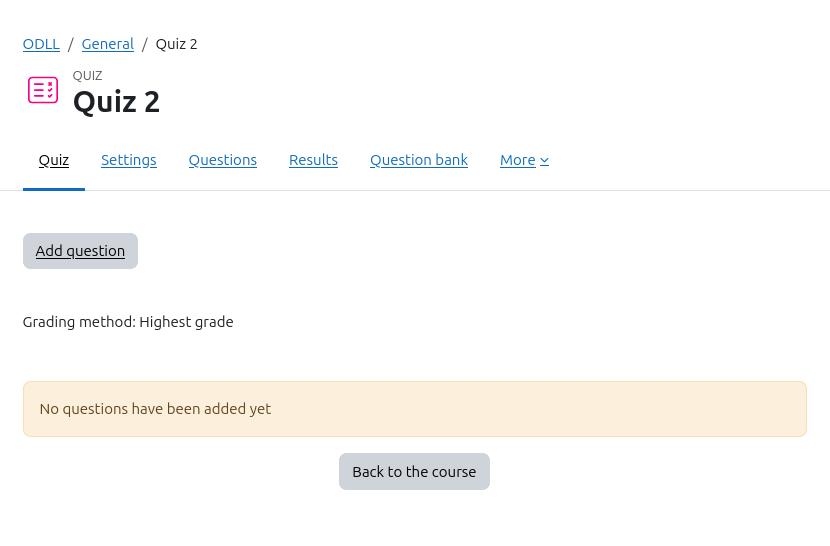
The quiz its created! Now you can add all the questions you want.
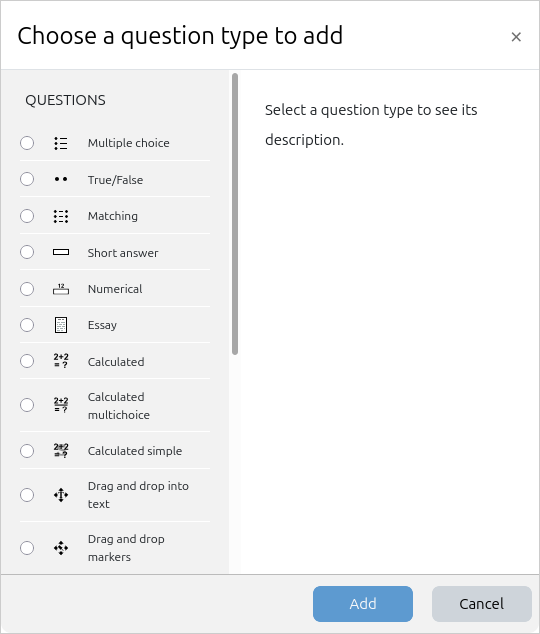
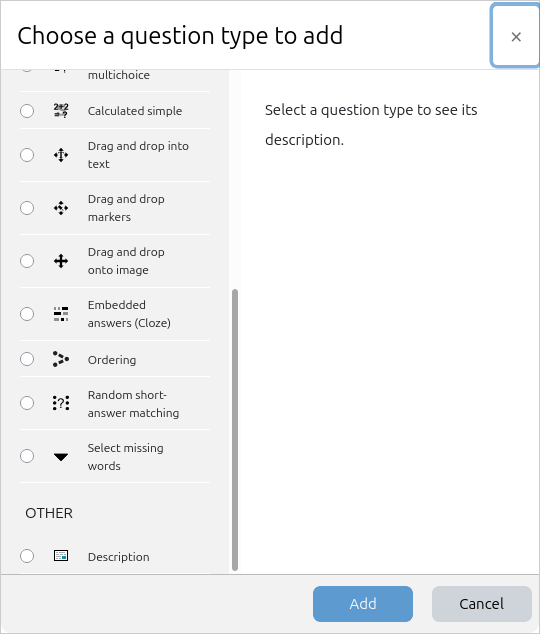
That are the different options you can put in a quizz